
I launched the site I've been building since around the end of last year, just in time for Flavortown. In this post, I'll walk you through what the site looks like at this point.
Profile
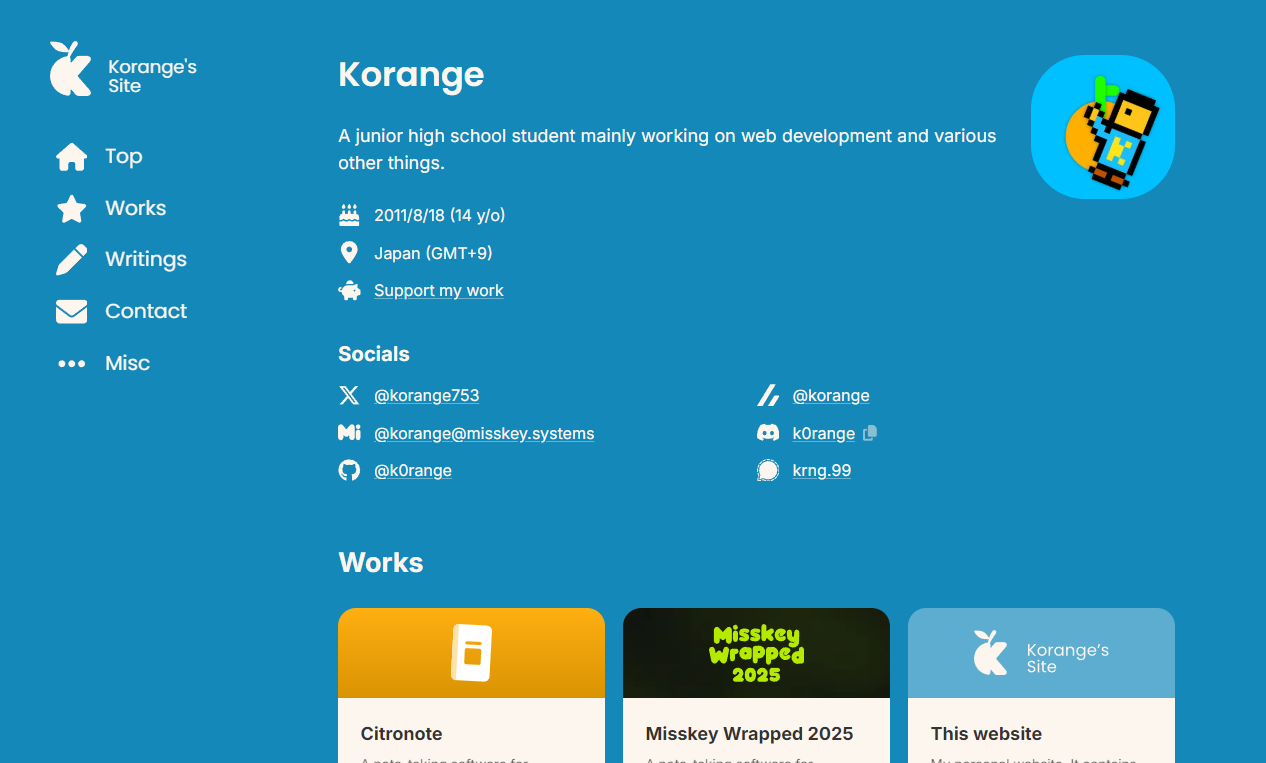
The top page of the site is my profile. It has a brief introduction, some personal info, and links to the social accounts I use most.
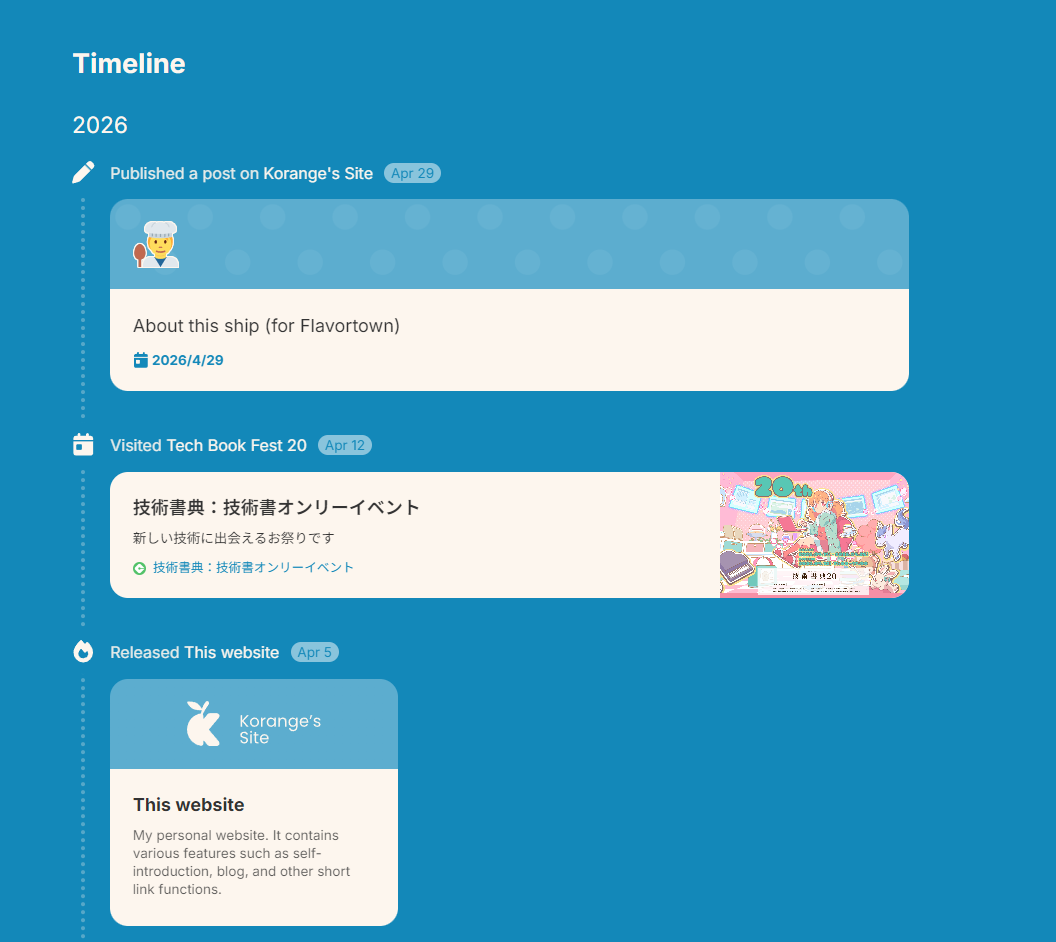
At the bottom of the page there's a "Timeline" section. It's a place where I can log and show off my activities in chronological order. This was inspired by catnose's website.
Works
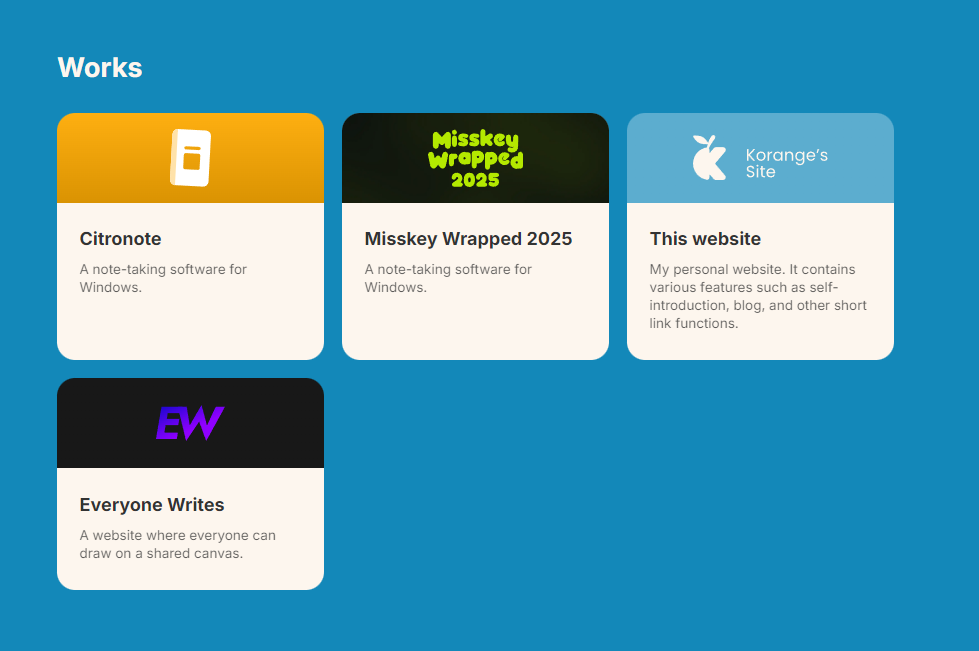
The Works page is where I showcase the things I've made.
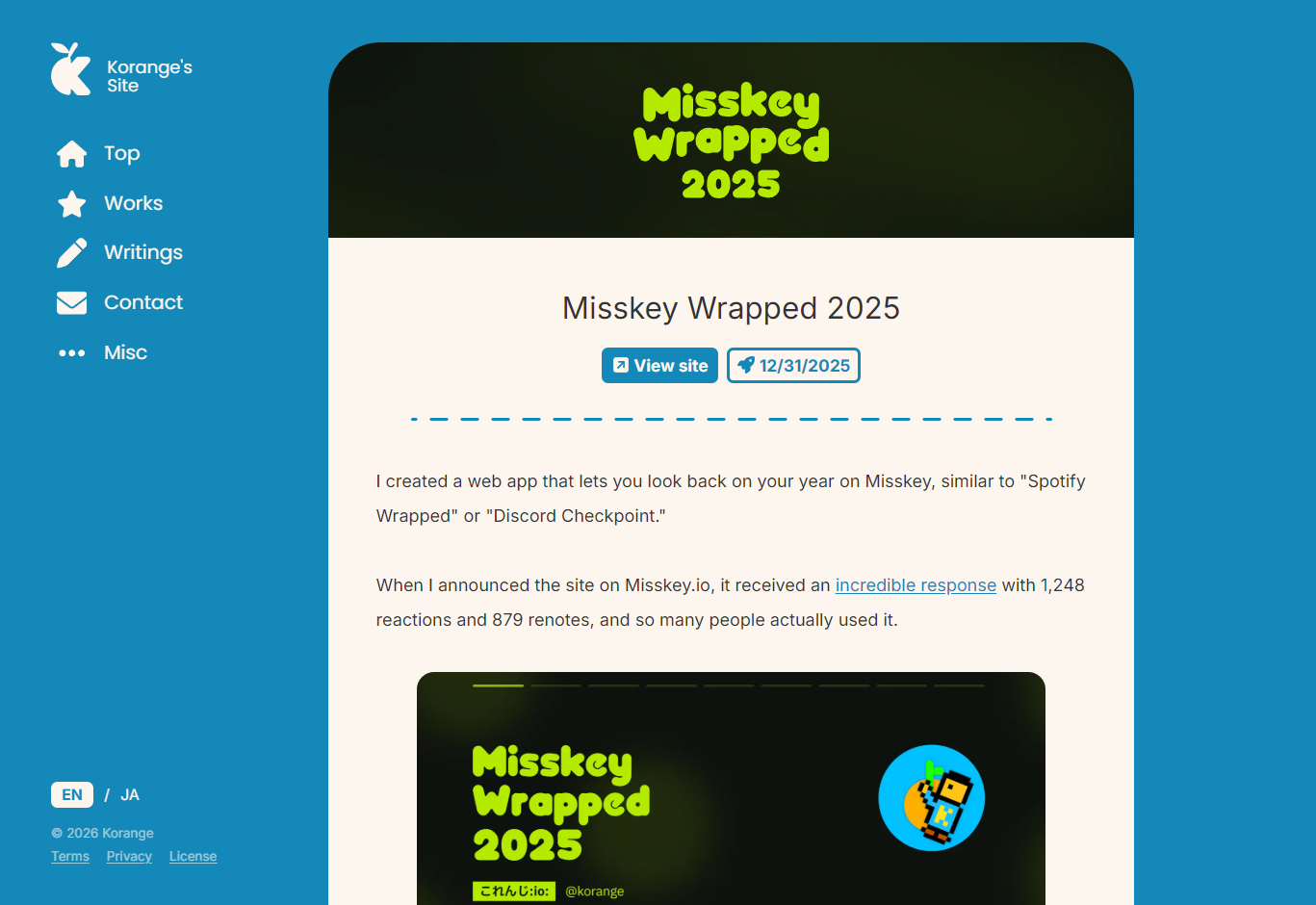
On my old site, clicking on a project would take you straight to its URL, but this time I've built out individual Work pages on the site itself, so I can write about each project in detail like an article.
Writings
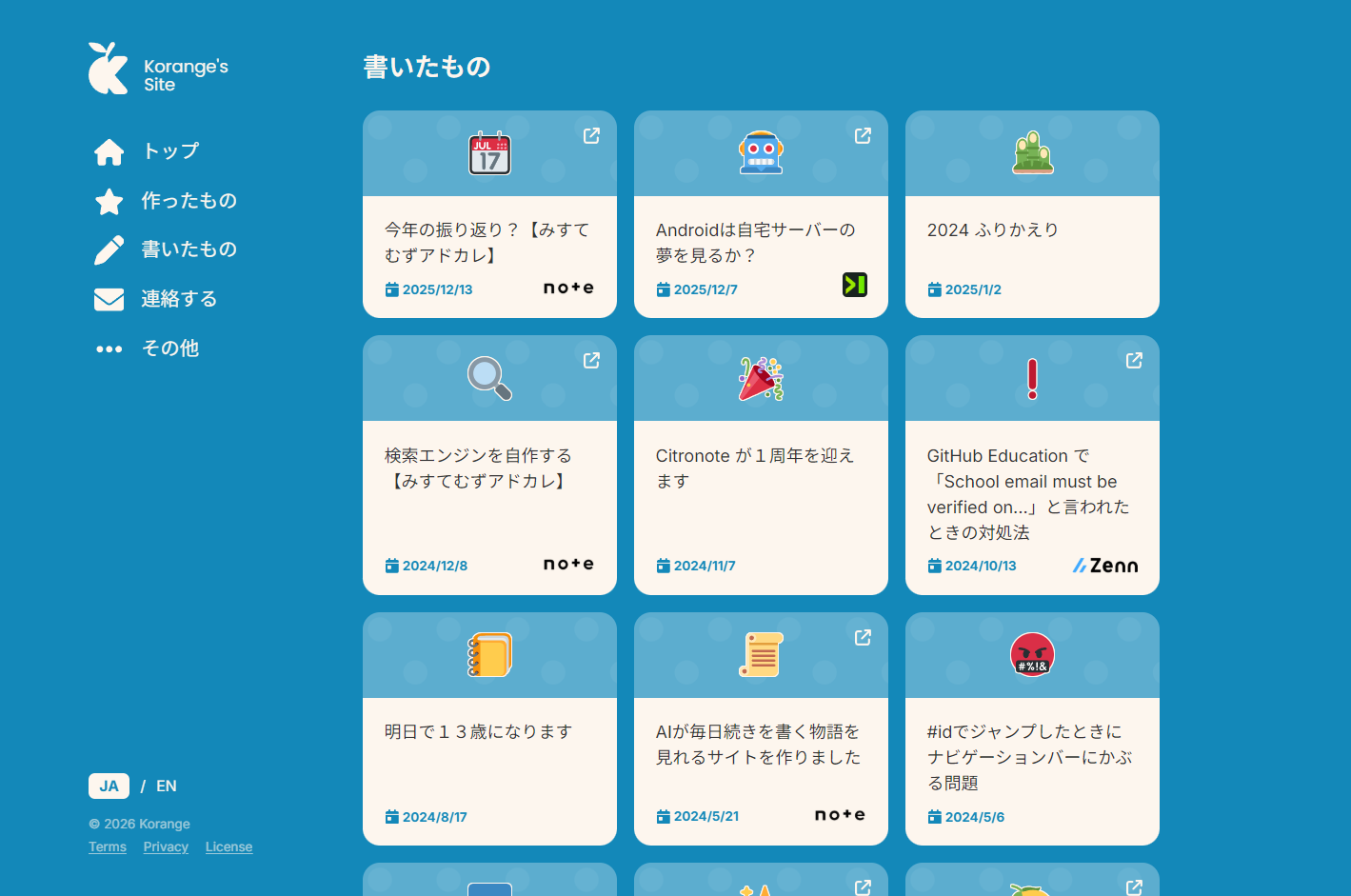
The Writings page lists articles I've written, not just posts on this site, but also articles I've written on other platforms.
Right now this is the only English article, but if you switch the language to Japanese using the language switcher in the bottom left, you'll find a much longer list.
At the moment I'm adding posts from other sites manually, but I'm considering automating that with RSS down the line.
I'm also thinking about using an LLM for automatic article translation. It was originally meant to be one of the core features of this site, but I've been putting it off due to time constraints.
Likes

At the bottom of each article there's a like button. You can press it once per person, so go ahead and give it a try!
On my old site, the API was wide open and anyone could freely increment or decrement the count, but this time I've put measures in place to prevent the like count from being tampered with. I'll go into more detail on that below.
Comment Section
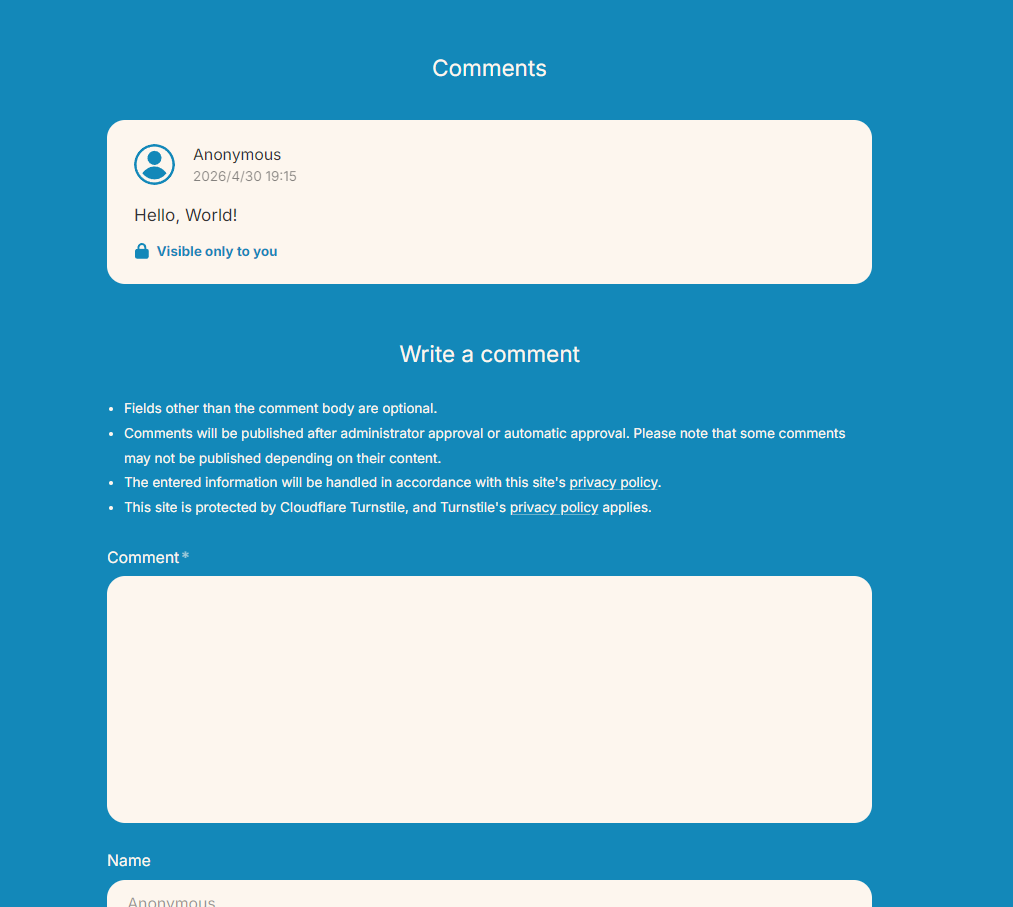
At the bottom of each article page there's a comment section. No account needed to post, you know, the kind you see on every blog.
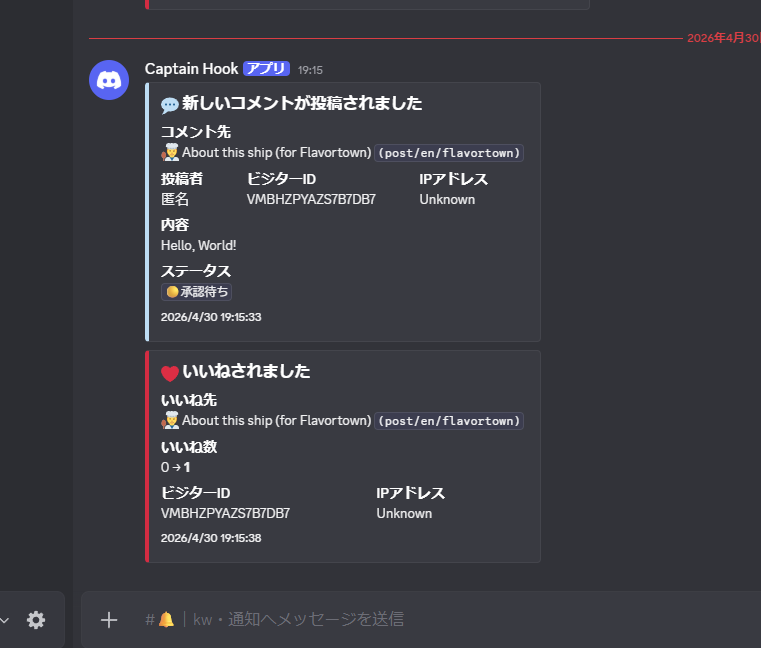
To make sure I don't miss any comments, they get sent to me as notifications via a webhook on my solo Discord server. (Same goes for likes.)
On my previous site, comments went live the moment they were submitted, but now they require approval from me before going public. That seems to be the more standard setup for blog sites.
I had also considered using an LLM for automatic comment moderation, but that's been pushed back for now.
I'm keeping the comment section on this article pretty open, so feel free to try it out.
Visitor ID System
The interactive elements on this site (like the like button and comment section) work without needing an account. But that raises a question, especially for the like button: how do you make sure someone can only press it once?
You might think IP addresses would do the trick, but on today's internet, a single IP can be shared across multiple households, IPs get recycled, and if you're on a mobile network walking around the city, your IP can change in no time. In short, IP addresses just aren't a reliable identifier anymore.
So instead, this site uses a system I'm calling a "Visitor ID." I came up with the name myself. It might sound fancy, but honestly it's pretty simple.
- First, interacting with anything (likes, comments, etc.) requires a visitor token. A visitor token is a JWT containing an expiration time and a visitor ID.
- When a user tries to interact for the first time (e.g. clicking the like button), a request goes to
/api/visitor-id/createto issue a visitor token. This endpoint has rate limiting and a Turnstile captcha, so mass-creating visitor IDs by hammering the endpoint is made difficult. - The browser stores the visitor token in localStorage and sends it in the header when making like or comment requests.
- For each like or comment, the server stores the corresponding visitor ID. This is what enforces the one-like-per-person rule.
Visitor tokens are valid for up to one month, but since the whole thing is designed to be disposable anyway, persistence isn't really a concern.
It's also important that this works statelessly. Visitor IDs are randomly generated fresh each time (collision-resistant), there's no "Visitor" table in the DB, and JWTs are inherently stateless. Each comment or like just holds a visitorID as a string in the DB. No account-like management of individual visitors.
Turnstile is free, but some might argue it's overkill just for a like button. So I'm also considering replacing it with something simpler, like a Hashcash-style spam prevention approach.
Banners
The Banners page, tucked under "Misc" in the sidebar, is where I'll put reciprocal links and link banners.
For the sake of design and cleanliness (and to avoid exposing too much "in-group" content to the general public), I decided to keep it on a separate page away from the top.
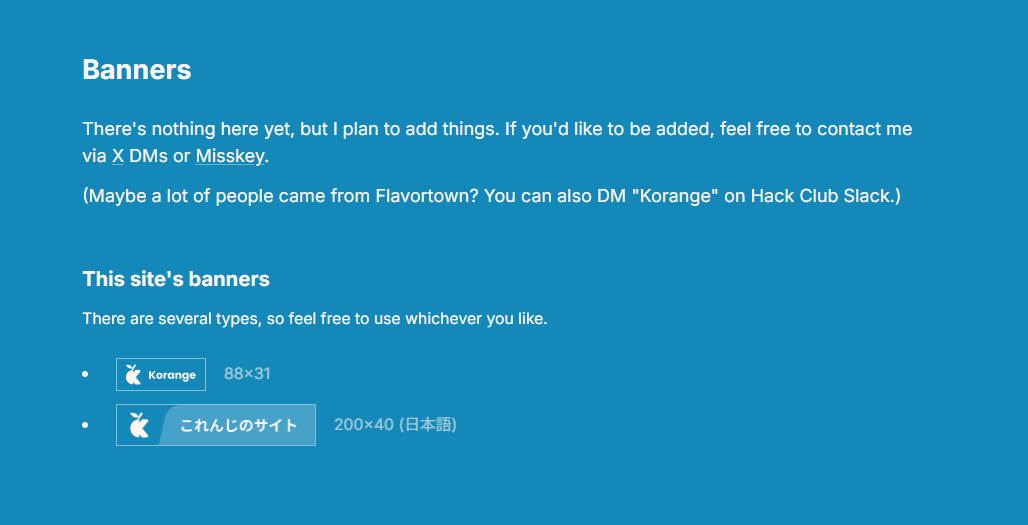
...That said, there's nothing there yet since I don't have anything to put up. Once I find people to link with, I'll start adding them.
If you're interested in a reciprocal link, feel free to reach out through any channel. If you're on Hack Club Slack, search for "Korange."
PGP Key
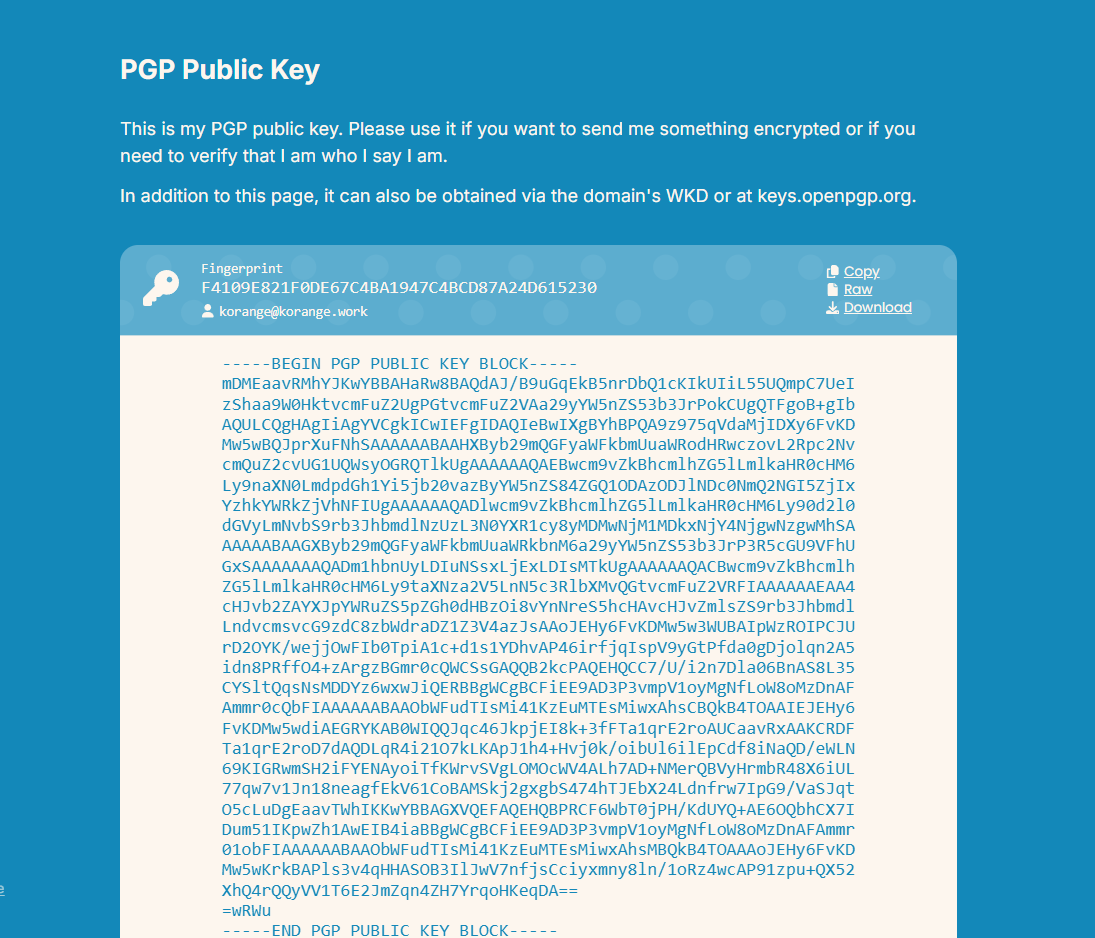
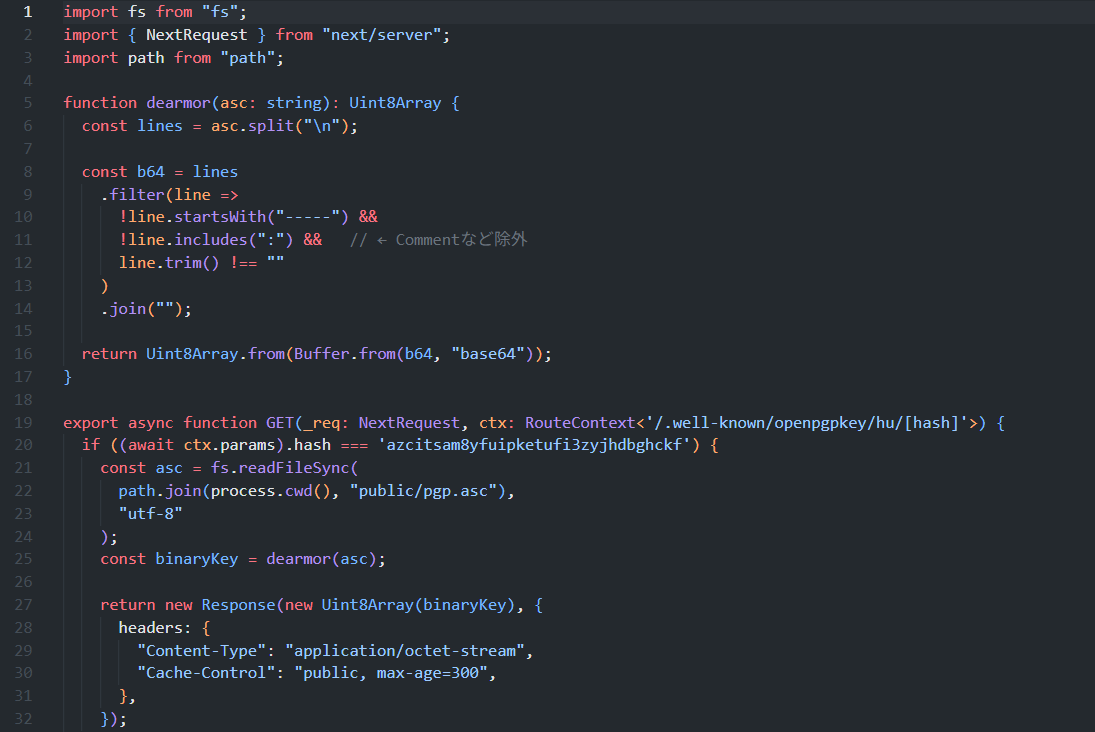
My PGP public key is publicly available. That part might not sound particularly exciting on its own, but what I personally love is that this site supports WKD (Web Key Directory). This means anyone in the world can look up my public key via my @korange.work email address, with the assurance that the key belongs to the administrator of korange.work.
For now my PGP key is stored directly on my PC, but once I rack up enough cookies from this ship, I'm planning to use them to grab a YubiKey. :)
For those unfamiliar, here's a rough explanation: think of it as "a powerful key you keep and use as your identity for the long haul."
A lot of people have used keys for single-purpose things, like SSH keys or API keys, but PGP keys are tied to your name and email address (your UID) and are meant to be used over the course of years. They also come in two parts: a "public key" you can share freely, and a "private key" that only you hold.
Concretely, here's what you can do with them:
- Encrypt a message using the recipient's key tied to their email address, allowing for secure email communication
- Sign messages or files with your key to objectively prove that something is your own statement or your official release
- Verify other people's messages or data to confirm they were actually written by who they claim to be (signature verification)
Once you've created a key, you need others to know your public key before you can encrypt messages or verify signatures between you, which is exactly why publishing it like this makes sense.
Admin Dashboard
There's an admin dashboard at the /admin route for managing the site. Authentication here is handled via GitHub.
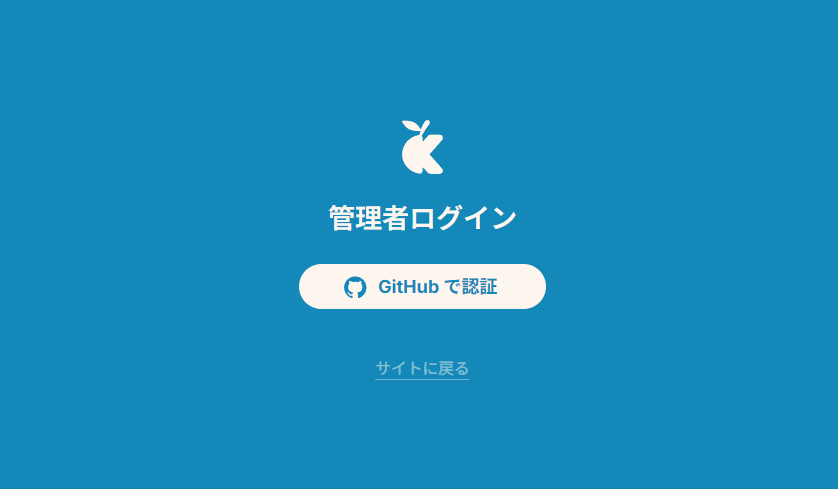
I'm using Better-Auth for authentication. Since this is just my personal site, I'm doing a simple check against my GitHub username rather than anything like organization membership.
Since only I'll ever use the admin dashboard, there's no localization either.
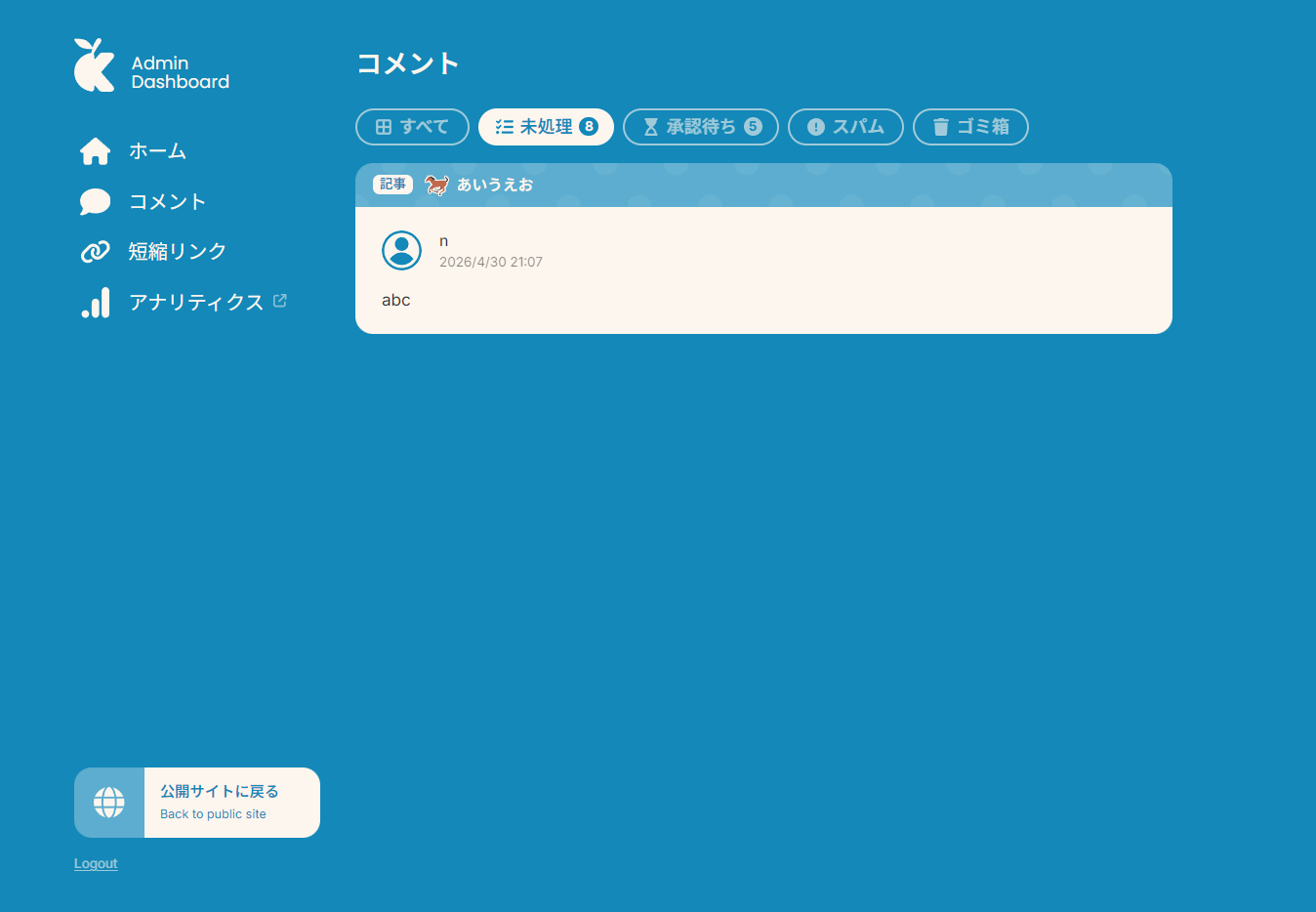
At the moment the admin dashboard is pretty bare-bones and there's not much you can actually do with it. Looks like that's one of the next things I need to tackle.
Overall, I'm happy with how the site came out. I think the design turned out really nicely. There are definitely some parts where I cut corners to meet the Flavortown deadline, but I plan to keep chipping away at it little by little.